Windows installer
Windows 10 or Windows 11, 64-bit. Optional GPU acceleration for ONNX Runtime DirectML.
Download for WindowsLocal processing · no cloud upload · free trial · Version 0.31.0

A native desktop workflow for RAW culling, AI retouching, album design and delivery.
Windows 10 or Windows 11, 64-bit. Optional GPU acceleration for ONNX Runtime DirectML.
Download for WindowsLocal processing · no cloud upload · free trial · Version 0.31.0
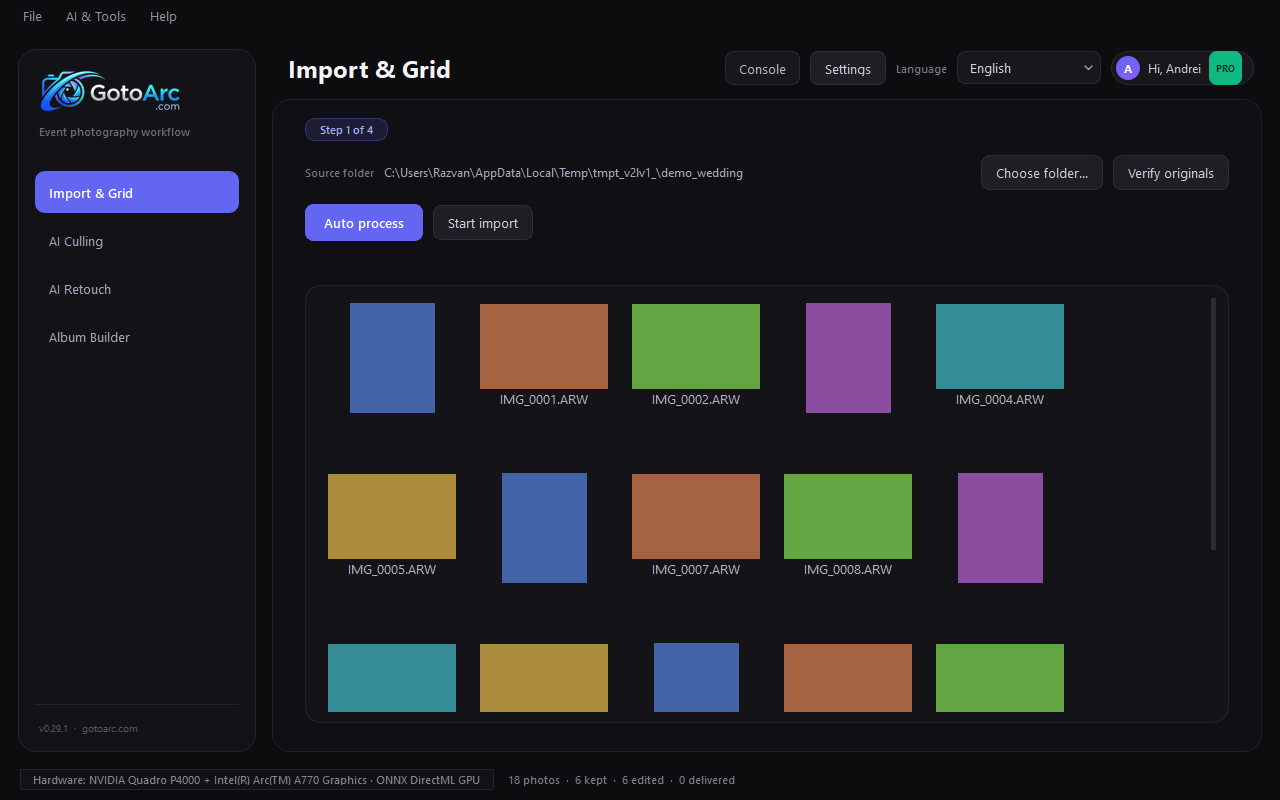
Download the GotoArc setup file.
Run the installer and open GotoArc.
Choose a RAW folder and start with a free 7-day, 100-photo trial.
The trial lasts 7 days and includes 100 photos, with all core workflow steps. Import, cull, retouch, preview the album and judge the output on your own files.
View pricing